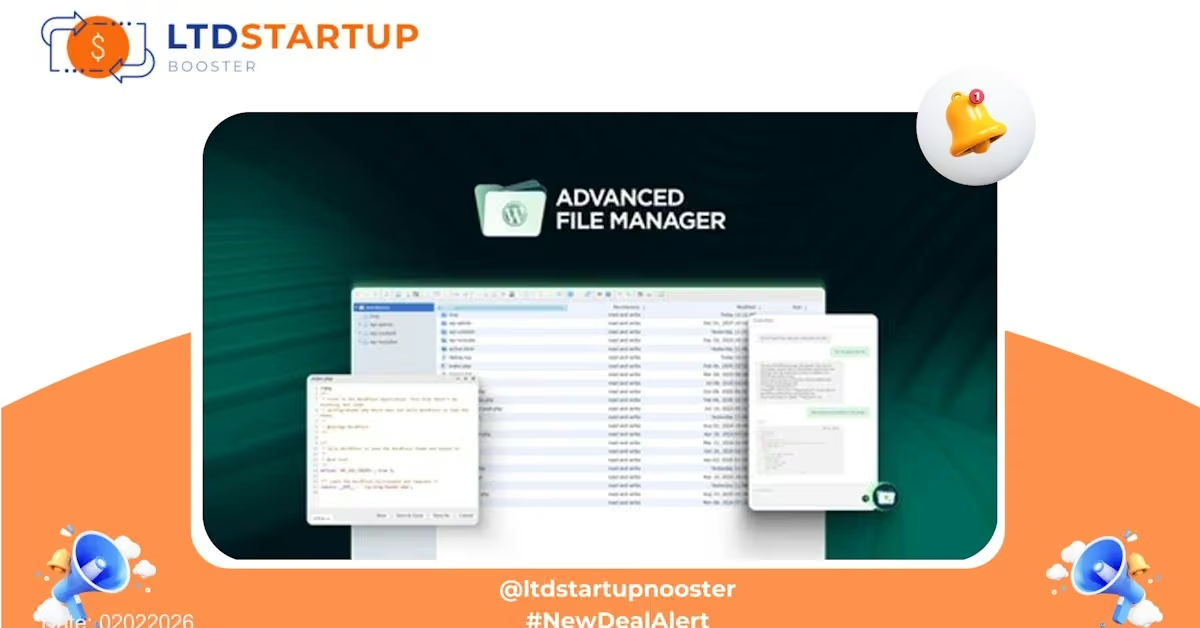
Advanced File Manager — Take Control of Your Files with a Lifetime License
Overview: Advanced File Manager is a powerful web-based file management platform designed for teams and organizations that need a centralized, secure way to store, share, and organize digital assets. The current lifetime deal offers perpetual access to core features — ideal for businesses looking to reduce recurring costs while upgrading their file workflows. This promotion was published on 02022026 and will close soon once allocations sell out, so don’t wait to check the offer.
Key Features
- Intuitive Web File Manager: A clean, drag-and-drop interface that lets users upload, move, rename, and organize files and folders directly in the browser — no FTP required.
- Multi-User Roles & Permissions: Role-based access control (RBAC) enables admins to define who can view, edit, upload, or delete specific folders and files. Ideal for client-restricted content and internal teams.
- Cloud Integrations & Sync: Connect to popular cloud storage providers and sync selected folders so your team can access files in one central place while keeping backups off-site.
- File Previews & Embeds: Preview images, PDFs, audio, and video in-browser. Easily embed files into websites or share preview links without exposing editing controls.
- Bulk Actions & Advanced Search: Perform batch moves, renames, and downloads. Fast full-text and metadata search helps locate assets quickly across large libraries.
- Versioning & Restore: Keep file history and restore previous versions when needed — a safety net against accidental overwrites or deletions.
- Audit Logs & Activity Tracking: Track uploads, downloads, and permission changes for accountability and troubleshooting.
- Team Collaboration Tools: Shared folders, comment threads, and link-sharing with expiration help streamline review cycles and approvals.
- Admin Dashboard & Usage Controls: View storage usage, active users, and quick administrative controls to manage quotas and policies.
Use Cases — Who Benefits Most?
- Small agencies and freelancers: Manage client deliverables, share review links with expiry, and keep client files separated by project permissions.
- Marketing teams: Centralize brand assets (images, logos, videos) with version control and easy embed capabilities for campaigns.
- Ecommerce stores: Store product images and spec sheets with fast search and permissioned access for vendors or contractors.
- Development and IT teams: Host deployment assets and documentation with fine-grained access controls and file versioning.
- Education and training organizations: Distribute course resources with time-limited access and track downloads for compliance or reporting.
Comparison — How It Stands Out
Compared to generic cloud storage providers (Dropbox, Google Drive, Microsoft OneDrive) and larger DAM (digital asset management) platforms, Advanced File Manager positions itself between ease-of-use and enterprise control:
- Vs. general cloud storage: Offers more granular folder-level permissions, built-in previews and embeds tailored for teams, and admin-oriented audit logs — features often missing or limited in consumer cloud plans.
- Vs. high-end DAM platforms: Provides many core DAM capabilities (versioning, metadata, previews) at a fraction of the complexity and cost, making it a practical choice for small-to-mid businesses that need robust file control without a large implementation.
- Vs. traditional CMS file managers: Delivers modern UX, cloud sync options, and collaboration features that go beyond basic upload/download interfaces found in many content systems.
Bottom line: if you need a professional file management solution that balances usability, permissions, and business features without a big recurring price, this lifetime deal is designed to be a compelling option.
Security & Compliance
Security is central to file management. Advanced File Manager typically includes:
- Encryption in transit and at rest to protect files during transfer and storage.
- Role-based access control and configurable sharing policies to limit exposure of sensitive assets.
- Audit logs and activity reporting for visibility into who accessed or changed files and when.
- Compliance-ready features: Tools and settings that help meet common requirements like GDPR-related data access controls and retention settings. (Confirm exact compliance certifications with the vendor for enterprise needs.)
- Single sign-on (SSO) and enterprise integrations are often available or can be added for larger teams needing centralized identity controls.
Pricing Plans
| Plan | Price | Details |
|---|---|---|
| Basic | $49.99 /Year Billed yearly |
|
| Business | $79.99 /Year Billed yearly *Most Popular* | … |
| Professional | $69.99 /Year Billed yearly | … |
| Lifetime |
$249.99 *Unlimited Sites* One time payment | All Basic and Professional Features Plus
|
Deal is Closing Soon — Act Now
Published on 02022026 — this lifetime deal has limited allocations and will close when sold out. If your team needs a dependable, secure way to manage files without recurring license fees, now is the time to review the offer and secure access before it’s gone.
Want to learn more before deciding? Click the button above to view full details and confirm the exact features and licensing terms directly on the deal page.